Logitech POP Smart Button
Support unconfirmedDocumentation reviewed . Older model; not a current buying recommendation.
Current guidance
Logitech originally documented a POP HomeKit kit with a button and bridge, supporting three button gestures. A button alone should not be described as a standalone Wi-Fi/HomeKit controller. Current cloud availability and a manufacturer support commitment were not established in this audit. The old claims remain an archive; this is not a current buying recommendation.
Check before relying on this device
Manufacturer confirmation of current service/support is missing.
Read the current category guide →
Sources and scope
Reviewed against documentation on October 3, 2026. No new hands-on testing.
Original article · historical archive
Written at the original publication date. Product features, prices, support and integrations may have changed. The guidance above takes precedence; historical claims have not all been reverified.
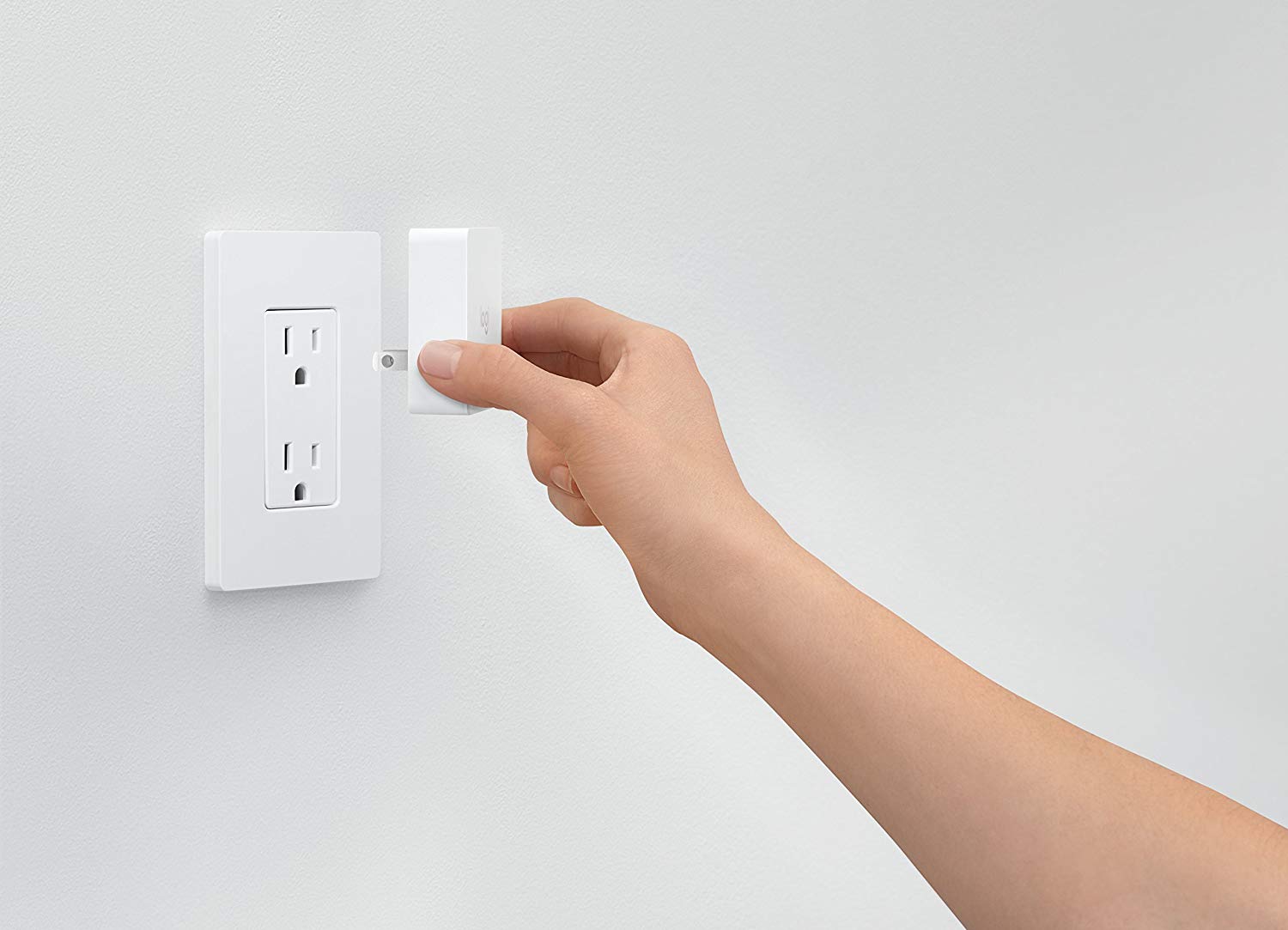
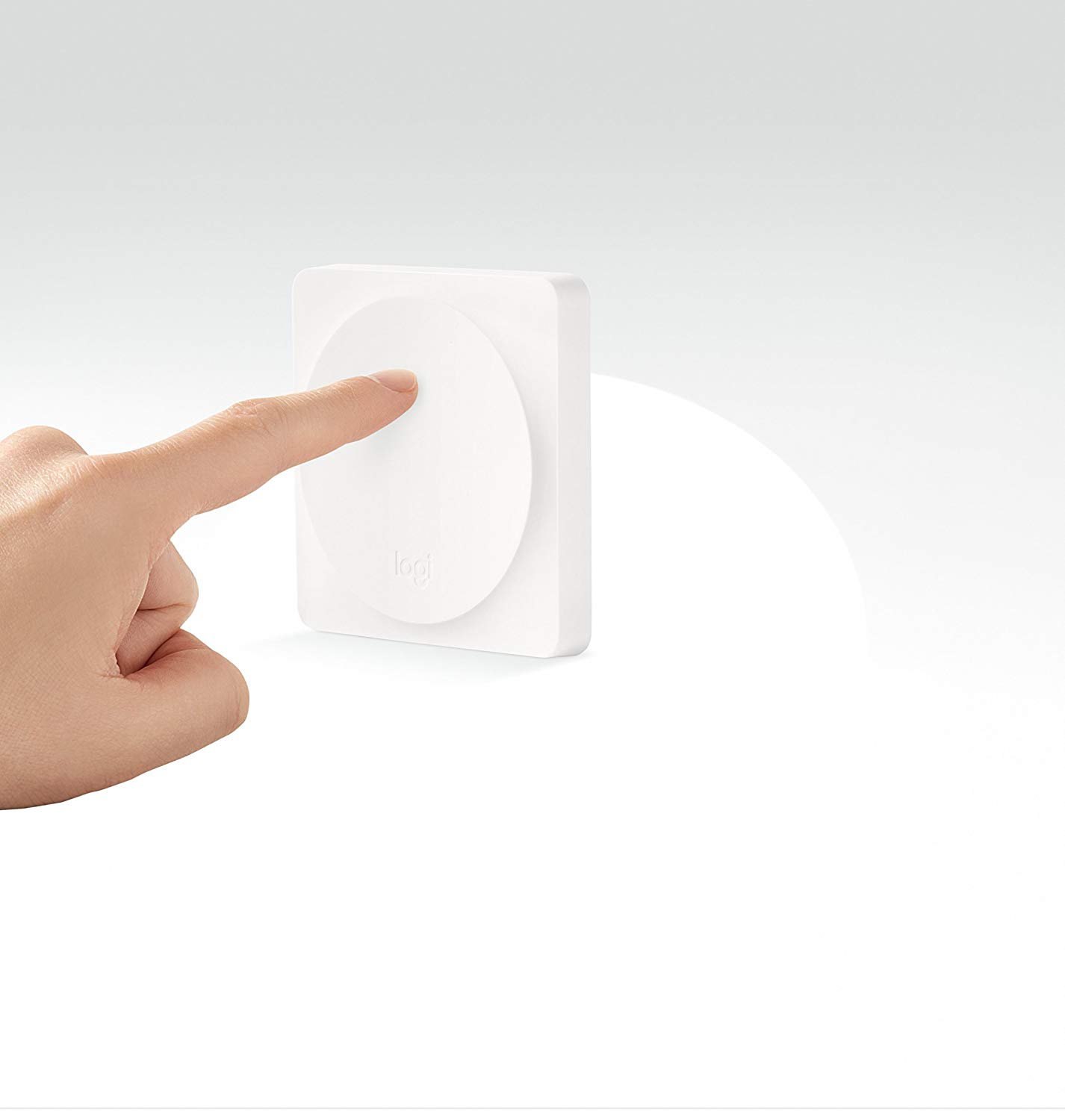
Add a quick customizable button to any room with the Logitech POP Smart Button. Just stick it to any wall and add a function you can easily have the POP button turn on lights, turn on music, or even start a Harmony activity.
Features:
- Simple smart home control for the whole family: anyone in the home can control multiple smart home devices wirelessly with the press of a button instead of resorting to a smartphone app
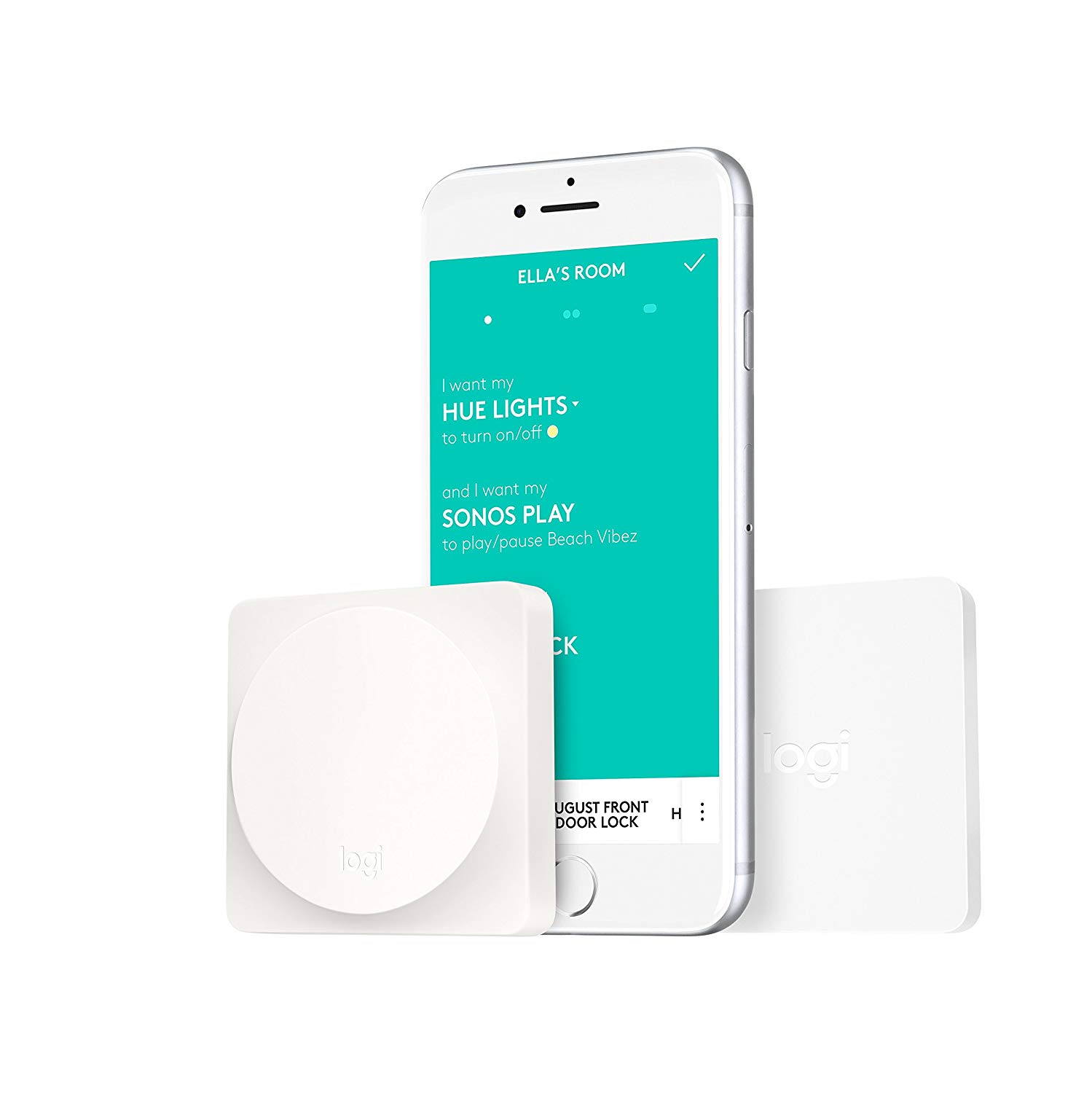
- Customize each Pop button with up to three different commands. Easily trigger smart home devices with either a single-press, double-press, or press-and-hold.
- Controls smart lighting: Turns individual and groups of smart lights on/off to preset brightness, warmth and color levels. (Works with Philips Hue, LIFX, Insteon, Lutron lighting)
- Control Apple home kit enabled devices: use as a complement to Siri or home app commands to simply and securely control homekit devices and groups (scenes)
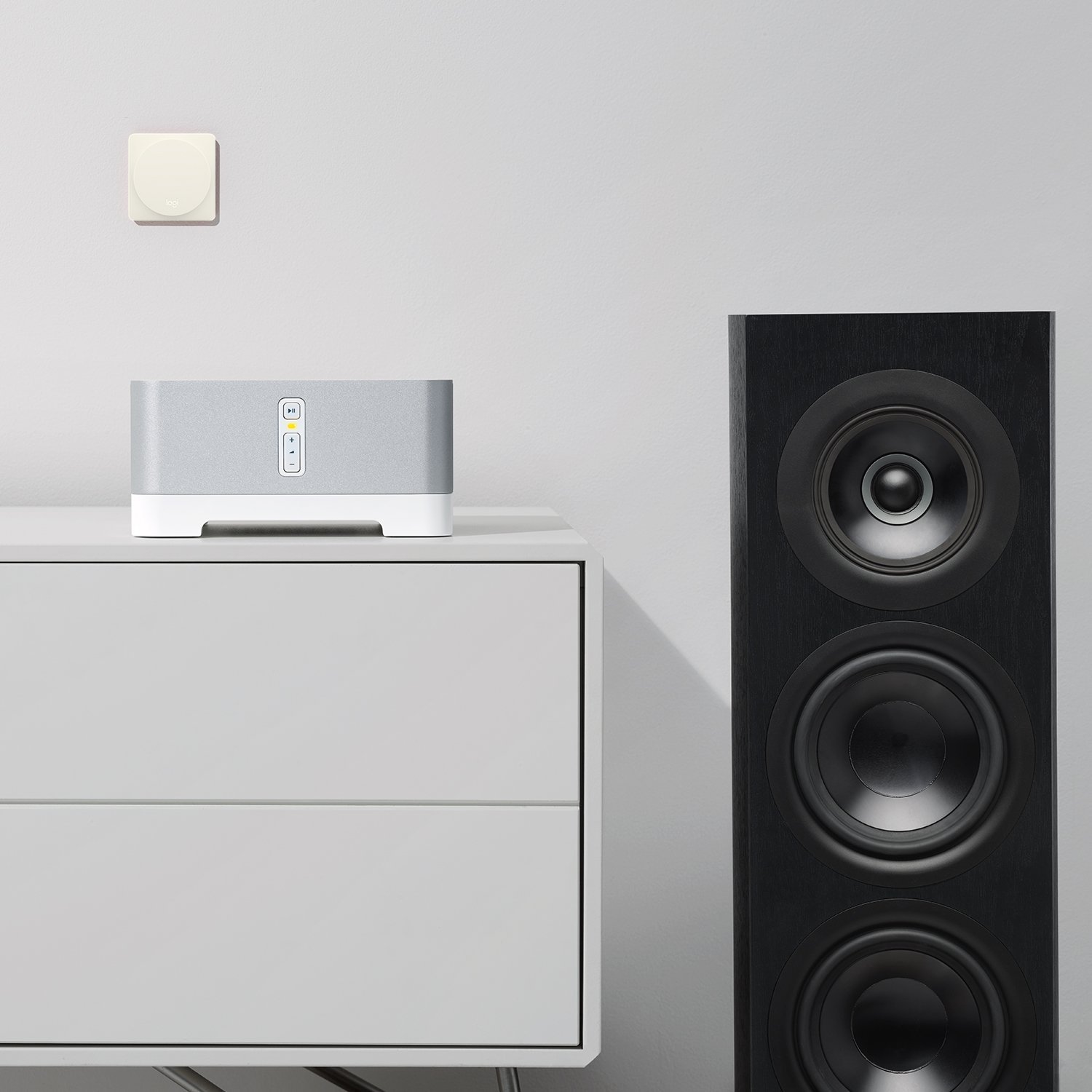
- Controls home entertainment: quickly access your favorite SONOS music playlists and stations or Start Harmony activities like “watch TV” when connected to a hub-based Harmony remote (sold separately)
A closer look