iDevices Switch
Support unconfirmedDocumentation reviewed . Older model; not a current buying recommendation.
Current guidance
Hubbell documented the iDevices Switch as a connected smart plug. That historical product video does not establish present cloud availability, app support or a remaining security-support period. Existing HomeKit behavior and cloud/voice integrations are separate questions. This article is an owner reference until current manufacturer support is confirmed.
Check before relying on this device
Current cloud and app support not verified from a manufacturer notice.
Read the current category guide →
Sources and scope
Reviewed against documentation on October 3, 2026. No new hands-on testing.
Original article · historical archive
Written at the original publication date. Product features, prices, support and integrations may have changed. The guidance above takes precedence; historical claims have not all been reverified.
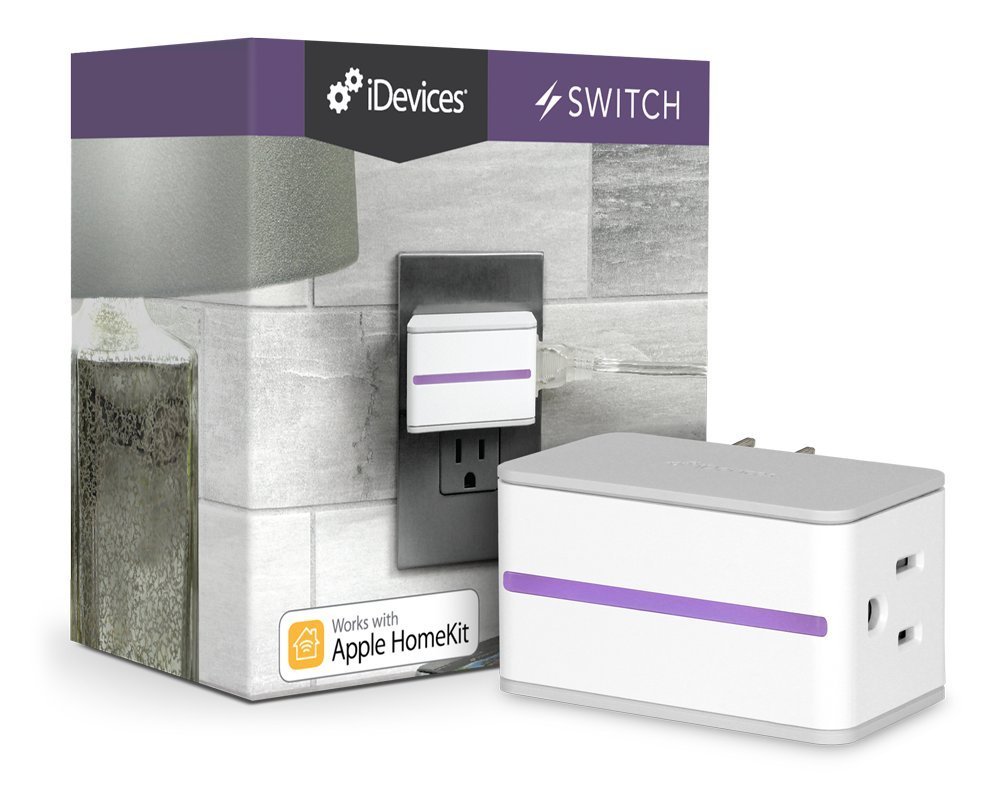
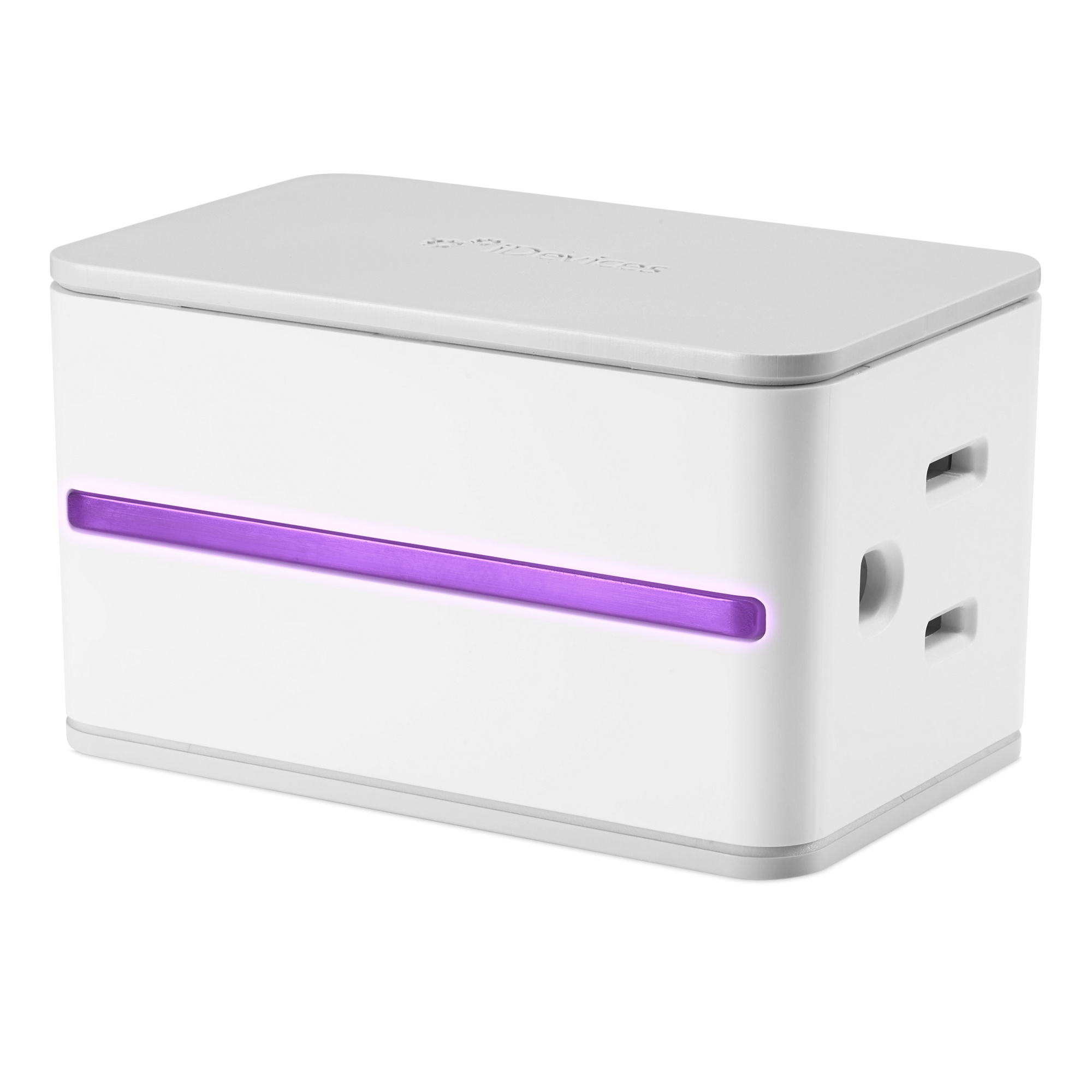
Here’s a smart plug that’s a bit different. It has a unique design, with the plug-in located on the right side panel instead of the front.
It’s a little pricier, weighing in at around $30. Many people are adamant that it’s well worth it, so don’t run away just yet!
This design is ideal for wall outlets, but could be a bit cramped if you’re using a power strip. The power button is located on the left side by itself, so it’s easily accessible.
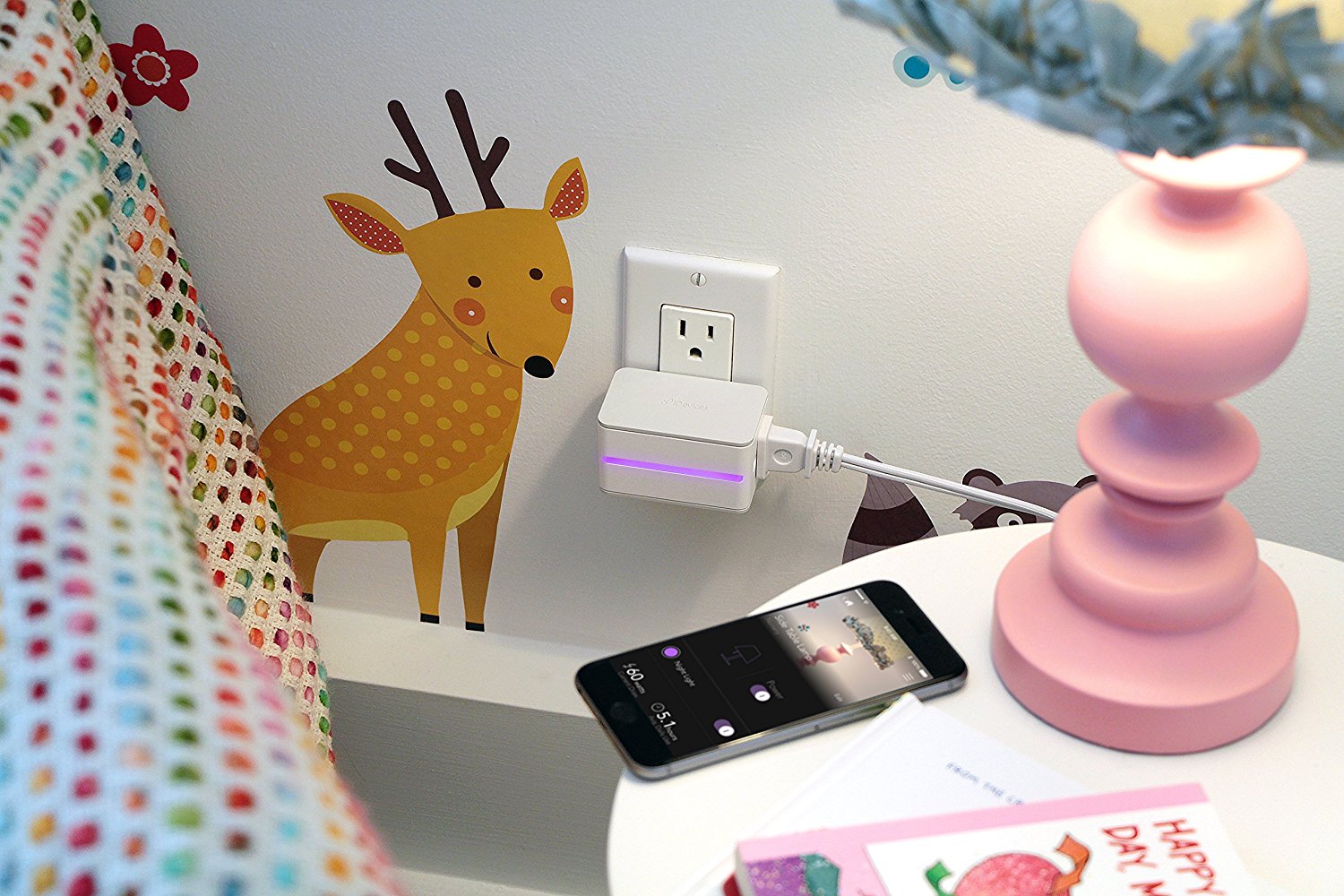
There’s a customizable LED night light located in the front, which is a nice added feature. This smart plug also has a screen up front that shows you all the iDevices currently in your home.
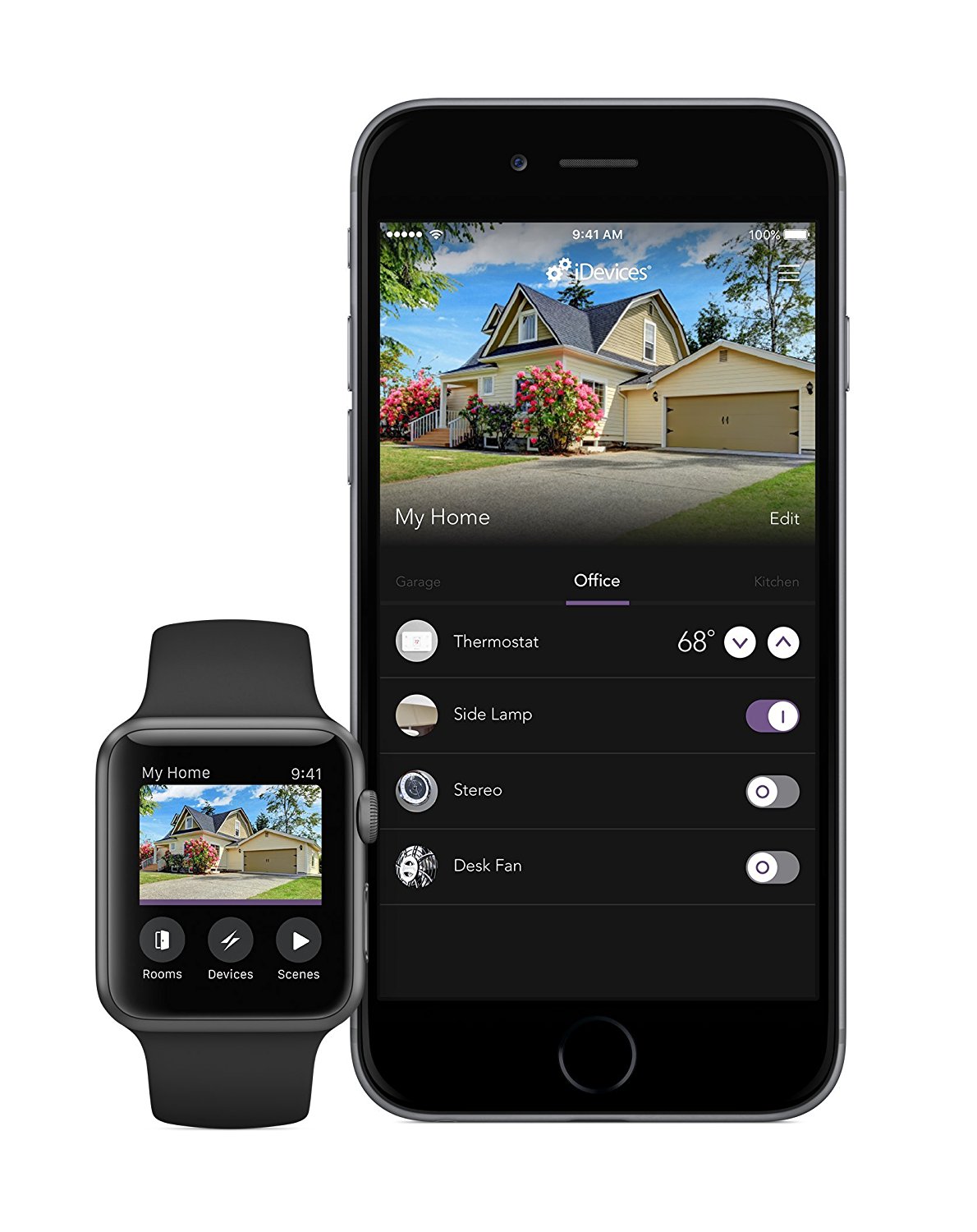
The iDevice Switch is known for being a steady workhorse, with wifi and energy monitoring. It’s compatible with Alexa and Google Assistant. It also works with iPhone and Android —just download the app.
Setting it up is pretty simple. Just scan the HomeKit code and enter your wifi password. That automatically allows Siri to work. Getting Alexa and Google Assistant dialed up takes a couple more steps, but it’s easy to do.
Features
- REMOTE ACCESS: Control and monitor electronics plugged into your iDevices Switch from anywhere, no hub required
- SCHEDULING: Create unlimited schedules to turn on an off your electronics based on your daily routine. Create a Scene to turn on multiple devices with one command
- ENERGY MONITORING: Monitor energy usage of any device plugged into the iDevices Switch with the free iDevices Connected app
- EASY SETUP: Download the iDevices Connected app, plug in the Switch, scan the unique code. No need to enter Wi-Fi network information.
A closer look